Convert audio to subtitles

Create subtitles and text automatically with AI in 3 minutes

  • Transcribe audio/video to subtitles or text.
  • Translate audio/video into subtitles or text in any language.
  • 76 languages supported.
  • Save output as subtitles or plain text.
Trusted by 3000+ users.

Free: one 60-second file a day

Sign up for 3 a day

Mode:

Transcribe
Translate

Turn a recording into a timed subtitle file without any video at all. Upload mp3, wav, m4a or similar and get back SRT, VTT or a plain text transcript.

Subtitles from audio, without a video file

Speech recognition works on the audio track, so a video is never actually required — the picture contributes nothing to the transcript. Uploading audio directly skips a step and produces a smaller file to transfer.

This matters most for podcasts, recorded interviews, lectures and voice notes, where a video version either does not exist or is added later. The subtitle file generated from audio will drop straight onto a video of the same recording, because the timings refer to the audio either way.


Supported audio formats

Common formats all work: mp3, wav, m4a, aac, flac, ogg and opus, along with the audio track of any video file you upload. Files are converted to a consistent format internally before recognition, so the source encoding does not affect accuracy.

Recording quality does affect accuracy, considerably. A close microphone in a quiet room transcribes far better than a phone across a table, and separating speakers onto their own tracks — where you have that option — helps more than any other single thing.

Podcasts and long recordings

There is no length limit, and long files are not slower in the way you would expect: recordings are segmented and transcribed in parallel, so a two-hour episode finishes in broadly the same time as a ten-minute one.

Cost is one credit per minute rounded up per file, so a 45-minute episode costs 45 credits out of the 100 that $10 buys.

Transcript or subtitle file

Export as TXT for a plain transcript with no timecodes — show notes, articles, searchable archives — or as SRT and VTT for a timed track. The same job produces all three, and can also translate the result into any of the 76 supported languages.

ByteDance logoBerkley university logoUniversity of Illinois logoAljazeera logo
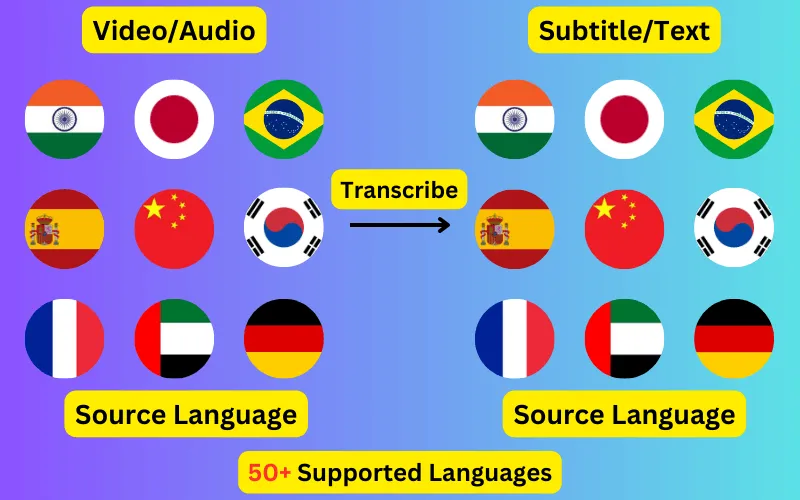
Transcribe 76 languages to Subtitles or Plain Text

Transcribe

Transcribe Your Video/Audio to Subtitles Automatically.

76 Languages supported (See List)

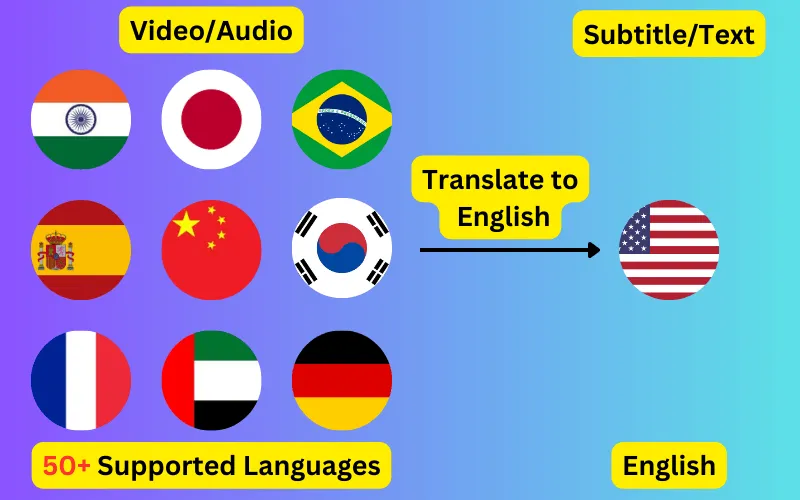
Translate

Translate Video/Audio into Subtitles in Any Supported Language, Automatically.

76 Supported Languages (See List)

Translate 76 languages to Subtitles or Plain Text

Supports Noisy Audio

Translate or transcribe audios recorded in a noisy environment with great accuracy.

Multilingual audio

Have video where multiple speak different languages? No problem!

Support for Diverse Accents

Different people from different places speak the same language differently, our AI can work through it seamlessly.

Common questions

Can I generate subtitles from an mp3?

Yes. mp3 is the most common upload here. The resulting SRT or VTT file will sync correctly with any video of the same recording, because the timings are relative to the audio.

What audio formats are supported?

mp3, wav, m4a, aac, flac, ogg and opus, plus the audio track of any video file. Files are normalised internally, so the source format does not change the accuracy of the result.

How accurate is transcription from audio?

Mostly a function of recording quality. Clear speech with minimal background noise transcribes very accurately; crosstalk, room echo and music underneath speech all reduce it. Every transcript is editable before export.

Can it separate different speakers?

The transcript is produced as continuous text with word-level timings rather than labelled per speaker. Where speaker turns matter, they are usually easy to mark up in the editor before exporting.