VTT to SRT converter

Create subtitles and text automatically with AI in 3 minutes

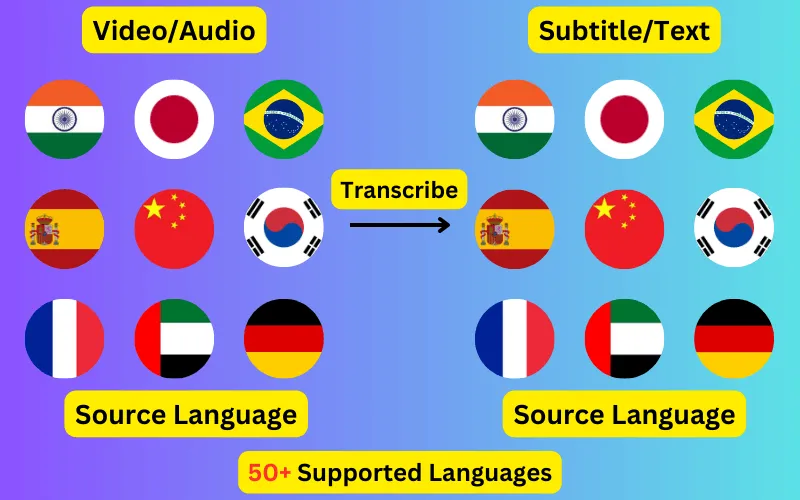
  • Transcribe audio/video to subtitles or text.
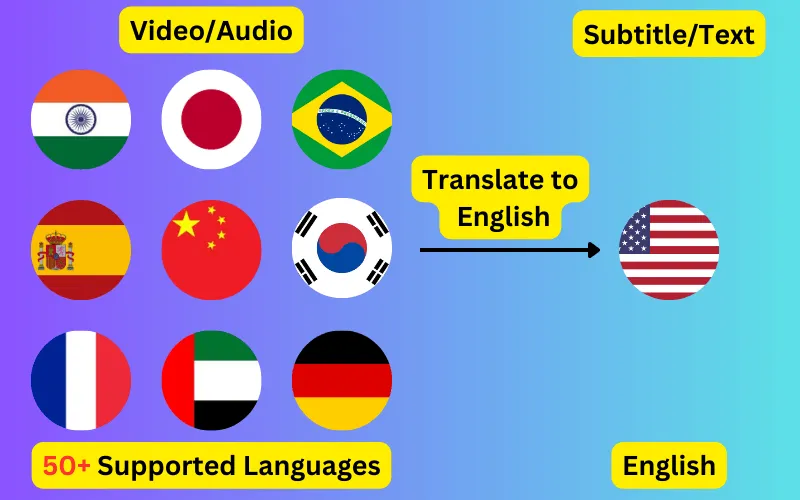
  • Translate audio/video into subtitles or text in any language.
  • 76 languages supported.
  • Save output as subtitles or plain text.
Trusted by 3000+ users.

WebVTT to SRT

Runs in your browser. Nothing is uploaded.

No subtitle file yet? Generate one from your video or audio in 76 languages.

Convert a .vtt caption file to SRT without uploading it anywhere. The conversion runs in this page, so the file stays on your computer.

What SRT cannot carry

SRT is the older and simpler format, so this conversion loses a few things that only exist in WebVTT. That is a property of the target format rather than of this converter, and every honest VTT to SRT tool drops the same things.

  • Cue settings. Positioning like align:start or position:10% has no SRT equivalent and is removed, so every line renders wherever the player puts subtitles by default.
  • Styling. STYLE blocks, regions and class spans such as <c.loud> are dropped; basic italics, bold and underline are kept.
  • Comments. NOTE blocks are removed rather than turned into visible subtitle text.

Speaker labels are kept as text

WebVTT marks who is speaking with a voice span, written <v Ada>. SRT has no equivalent, and most converters throw the name away. This one rewrites it into the line as "Ada:" so the information survives in a form SRT can express.

Where SRT is still the format you need

Editing software is the usual reason: Premiere Pro, DaVinci Resolve and Final Cut all import SRT, and several handle VTT poorly or not at all. Set-top boxes and older media players are another, since many will pick up a matching .srt sitting beside a video file but ignore a .vtt.

Cues are renumbered from 1 on the way out, which matters because VTT files often use text identifiers or none at all, and some SRT parsers reject a file whose first cue is not numbered 1.

ByteDance logoBerkley university logoUniversity of Illinois logoAljazeera logo
Transcribe 76 languages to Subtitles or Plain Text

Transcribe

Transcribe Your Video/Audio to Subtitles Automatically.

76 Languages supported (See List)

Translate

Translate Video/Audio into Subtitles in Any Supported Language, Automatically.

76 Supported Languages (See List)

Translate 76 languages to Subtitles or Plain Text

Supports Noisy Audio

Translate or transcribe audios recorded in a noisy environment with great accuracy.

Multilingual audio

Have video where multiple speak different languages? No problem!

Support for Diverse Accents

Different people from different places speak the same language differently, our AI can work through it seamlessly.

Common questions

Will I lose my subtitle positioning?

Yes, and unavoidably. SRT has no way to express where on screen a line should sit, so cue settings are dropped and the player positions every line itself. If positioning matters to your video, keep the VTT file as well.

Are the timings identical afterwards?

Yes. Every cue keeps its exact start and end. The only change is that the milliseconds are written after a comma rather than a period, and hours are always included, which SRT requires.

Does it work with YouTube caption files?

Yes. Captions downloaded from YouTube are ordinary WebVTT, including the automatic ones. If they are auto-generated you may see the same line repeated across cues, which is how rolling captions are written; converting to text rather than SRT will collapse those.

My VTT has no WEBVTT line. Will it still convert?

Yes. The parser reads any file that contains recognisable cues, whether or not the header is present and whether the timestamps use commas or periods. Files that are slightly out of spec are usually the reason people need a converter in the first place.