SRT to text converter

Create subtitles and text automatically with AI in 3 minutes

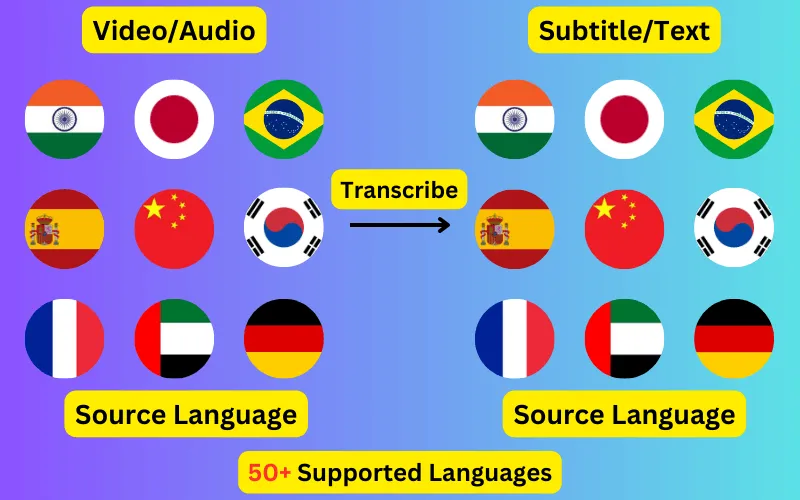
  • Transcribe audio/video to subtitles or text.
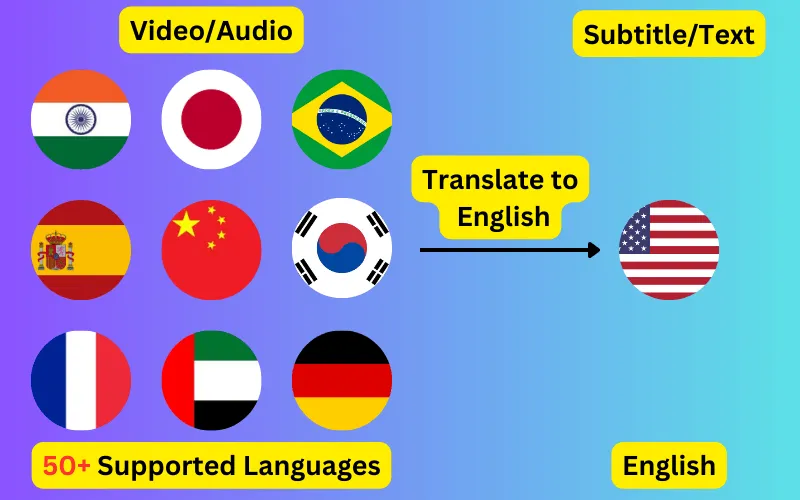
  • Translate audio/video into subtitles or text in any language.
  • 76 languages supported.
  • Save output as subtitles or plain text.
Trusted by 3000+ users.

SRT to Plain text

Runs in your browser. Nothing is uploaded.

No subtitle file yet? Generate one from your video or audio in 76 languages.

Take the words out of an .srt file and leave the timings behind. The conversion happens in this page, with no upload.

What a subtitle file becomes

An SRT is a numbered list of timed fragments. Stripped of its timings it becomes a transcript, which is a different kind of document: searchable, quotable, and readable at your own pace rather than the video's.

That is usually the point of the conversion. A lecture you want to revise from, an interview you need a quote out of, a film you are studying, or a back catalogue you want to make searchable without watching it again.


Subtitle line breaks are not sentence breaks

Subtitles break lines to fit the screen and to match the cut, so a sentence routinely spans two or three cues. Converted literally, one line per cue, the result reads like a poem with the line breaks in the wrong places.

Merging into paragraphs fixes that: cues are joined back into sentences and a paragraph break is inserted after each full stop, question mark or exclamation mark. Leave it off if you want the transcript to line up cue-for-cue with the original file.

What is stripped and what survives

Sequence numbers, timestamps and any formatting tags are removed. The words, their order and their punctuation are untouched, and non-Latin scripts pass through unchanged.

Consecutive duplicate lines are collapsed by default, which matters for SRT files converted from automatic captions, since those inherit the rolling repetition of the source.

ByteDance logoBerkley university logoUniversity of Illinois logoAljazeera logo
Transcribe 76 languages to Subtitles or Plain Text

Transcribe

Transcribe Your Video/Audio to Subtitles Automatically.

76 Languages supported (See List)

Translate

Translate Video/Audio into Subtitles in Any Supported Language, Automatically.

76 Supported Languages (See List)

Translate 76 languages to Subtitles or Plain Text

Supports Noisy Audio

Translate or transcribe audios recorded in a noisy environment with great accuracy.

Multilingual audio

Have video where multiple speak different languages? No problem!

Support for Diverse Accents

Different people from different places speak the same language differently, our AI can work through it seamlessly.

Common questions

Do I lose the timings permanently?

Only in the output. Your original .srt is not modified in any way — this reads it and writes a separate text file, so keep the SRT if you need the timings later.

Can I get the whole thing as one paragraph?

Close to it. Merging into paragraphs breaks only at sentence-ending punctuation, so a passage of unbroken speech comes out as a single paragraph. A file with no full stops at all will come out as one continuous block.

What happens to italics and formatting tags?

They are removed, since plain text has no way to express them. If you want the formatting kept, convert to VTT instead, which preserves the basic tags.

Will it open a file that is slightly malformed?

Usually. The parser looks for timestamp lines rather than assuming a strict structure, so missing blank lines, absent cue numbers and periods used in place of commas are all read correctly. Anything it has to skip is reported above the result.