SRT to VTT converter

Create subtitles and text automatically with AI in 3 minutes

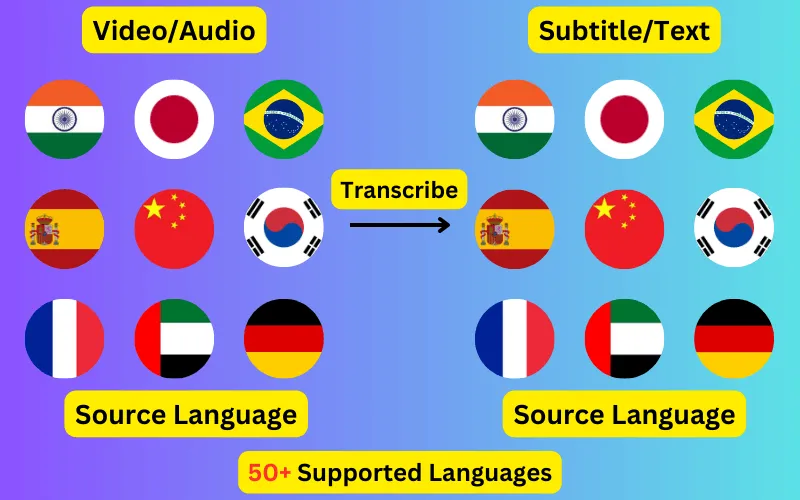
  • Transcribe audio/video to subtitles or text.
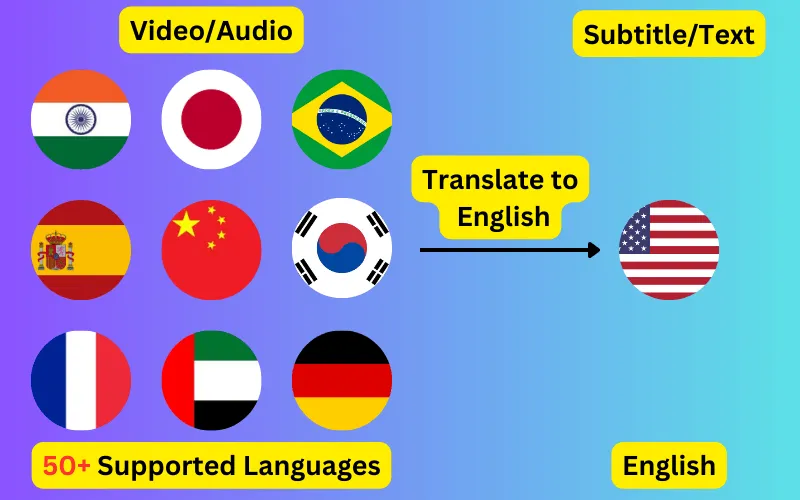
  • Translate audio/video into subtitles or text in any language.
  • 76 languages supported.
  • Save output as subtitles or plain text.
Trusted by 3000+ users.

SRT to WebVTT

Runs in your browser. Nothing is uploaded.

No subtitle file yet? Generate one from your video or audio in 76 languages.

Convert an .srt subtitle file to WebVTT without uploading it anywhere. The conversion happens in this page, so the file never leaves your computer.

What actually changes

The two formats carry the same information and differ in three small ways, all of which this converter handles.

  • A WEBVTT signature is added as the first line. A VTT file without it is invalid and browsers refuse to load it.
  • Timestamps switch from a comma before the milliseconds to a period: 00:00:01,000 becomes 00:00:01.000.
  • Sequence numbers are dropped, since VTT treats a line before a timestamp as an optional cue identifier rather than an index.


Why browsers need VTT

HTML5 video only understands WebVTT. If you point a <track> element at an .srt file, the browser will fetch it and then silently show no subtitles, which is the single most common reason captions fail to appear on a self-hosted video.

Most upload-based platforms are more forgiving. YouTube and Vimeo both accept SRT directly, so you only need this conversion when you are serving the video yourself.

Serving the converted file

Two things trip people up after a correct conversion. The file has to be served with a text/vtt content type, because some servers send .vtt as a download and the browser will not parse it. And if the video and the subtitle file sit on different domains, the subtitle request needs CORS headers, since a track element is subject to the same rules as a script.

ByteDance logoBerkley university logoUniversity of Illinois logoAljazeera logo
Transcribe 76 languages to Subtitles or Plain Text

Transcribe

Transcribe Your Video/Audio to Subtitles Automatically.

76 Languages supported (See List)

Translate

Translate Video/Audio into Subtitles in Any Supported Language, Automatically.

76 Supported Languages (See List)

Translate 76 languages to Subtitles or Plain Text

Supports Noisy Audio

Translate or transcribe audios recorded in a noisy environment with great accuracy.

Multilingual audio

Have video where multiple speak different languages? No problem!

Support for Diverse Accents

Different people from different places speak the same language differently, our AI can work through it seamlessly.

Common questions

Does the conversion change my timings?

No. The times are read, converted to seconds and written back out in the other notation, so every cue starts and ends at exactly the same moment. Only the way the number is written changes.

Is my file uploaded to your server?

No. The conversion is JavaScript running in this page, and the file is read with your browser's own file reader. Nothing is sent anywhere, and nothing is stored. You can check by opening your browser's network tab while converting.

Can I just rename the file extension instead?

No. Renaming .srt to .vtt leaves the WEBVTT header missing and the commas in place, and a browser will reject the result. The contents have to change, not just the name.

What happens to italics and bold?

They are kept. Both formats support the same basic <i>, <b> and <u> tags, so any formatting already in the file comes through unchanged.