VTT to text converter

Create subtitles and text automatically with AI in 3 minutes

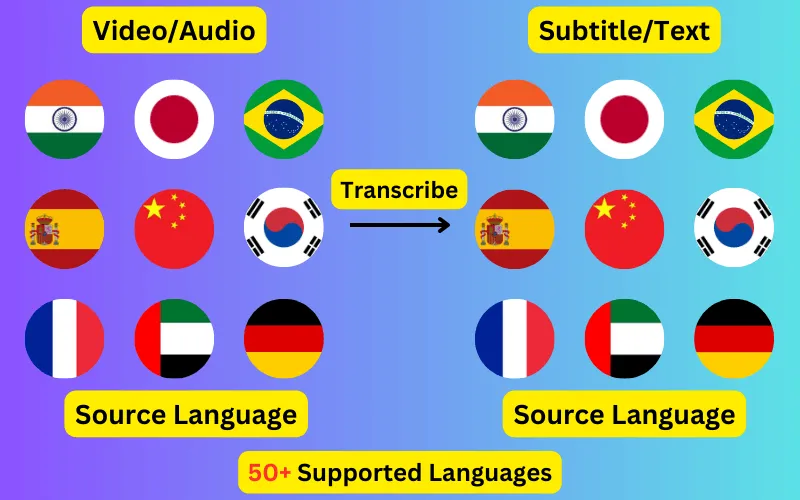
  • Transcribe audio/video to subtitles or text.
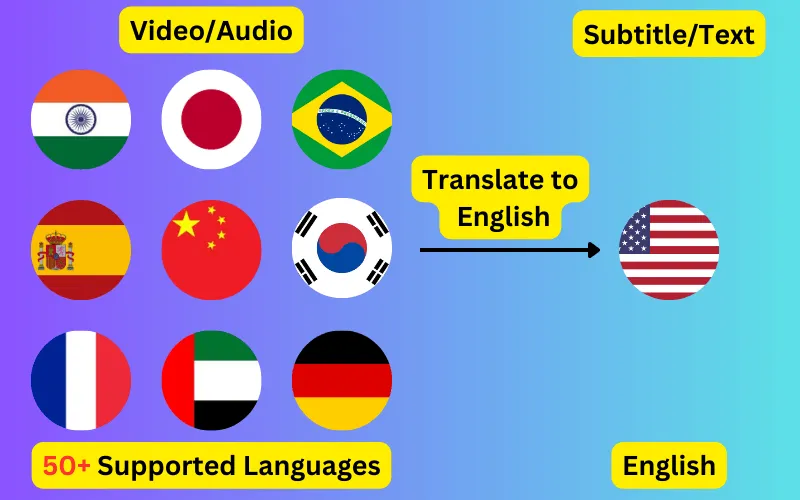
  • Translate audio/video into subtitles or text in any language.
  • 76 languages supported.
  • Save output as subtitles or plain text.
Trusted by 3000+ users.

WebVTT to Plain text

Runs in your browser. Nothing is uploaded.

No subtitle file yet? Generate one from your video or audio in 76 languages.

Strip the timings out of a .vtt file and keep the words. Runs in this page, so the file is never uploaded.

Why an auto-caption transcript reads badly

Automatic captions are written for a rolling window rather than for reading. Each cue restates the previous one and adds a few words, so the text scrolls smoothly on screen — and pasting a YouTube VTT straight into a document gives you the same phrases over and over.

Removing repeated lines is on by default. It drops a cue that simply repeats the one before it, and where a cue restates the previous line and extends it, it keeps only the longer version. Turn it off if a line is genuinely said twice in your file.

It will not try to stitch together cues that only partly overlap, such as "we are going" followed by "going to the shops". Working out where to join those means guessing, and a wrong guess deletes words from your transcript silently. Anything it cannot resolve is left in place for you to see.


One line per cue, or flowing paragraphs

Subtitle cues break where the screen runs out of room, not where a sentence ends, so a faithful line-per-cue transcript is full of sentences chopped in half.

Merging into paragraphs joins the cues back up and starts a new paragraph after a full stop, question mark or exclamation mark. That is the version you want for reading, quoting, or pasting into something that summarises it. Keep the line-per-cue version if you plan to line the text back up against the video.

What gets removed

Timestamps, cue identifiers, cue settings and NOTE blocks all go. So does WebVTT markup: voice spans, class spans, karaoke timing tags and the character references the format uses for angle brackets and ampersands, which otherwise show up as & in the middle of your text.

ByteDance logoBerkley university logoUniversity of Illinois logoAljazeera logo
Transcribe 76 languages to Subtitles or Plain Text

Transcribe

Transcribe Your Video/Audio to Subtitles Automatically.

76 Languages supported (See List)

Translate

Translate Video/Audio into Subtitles in Any Supported Language, Automatically.

76 Supported Languages (See List)

Translate 76 languages to Subtitles or Plain Text

Supports Noisy Audio

Translate or transcribe audios recorded in a noisy environment with great accuracy.

Multilingual audio

Have video where multiple speak different languages? No problem!

Support for Diverse Accents

Different people from different places speak the same language differently, our AI can work through it seamlessly.

Common questions

Why is every line repeated in my file?

Because the captions were generated automatically with a rolling window, where each cue carries part of the previous one so the text scrolls rather than jumps. It is normal. The remove-repeated-lines option clears the exact repeats and the restated-and-extended ones; cues that only partly overlap are left alone, because merging those reliably is not possible without guessing.

Can I keep the timestamps?

Not in the text output, which exists to remove them. If you want timings kept, convert to SRT instead and you will get a numbered, timed file rather than prose.

Does it handle captions in any language?

Yes. The file is read as Unicode text, so scripts other than Latin come through unchanged, right-to-left languages included. Nothing is translated; you get the words that were already in the file.

Is the file uploaded anywhere?

No. Your browser reads the file and this page converts it locally. Nothing is transmitted, so a confidential recording's transcript stays on your machine.