Generate subtitles for your Chinese videos

Create subtitles and text automatically with AI in 3 minutes

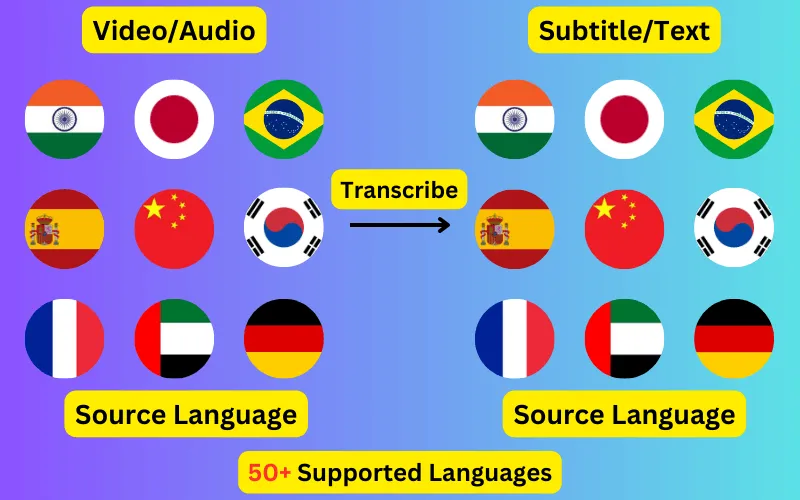
  • Transcribe audio/video to subtitles or text.
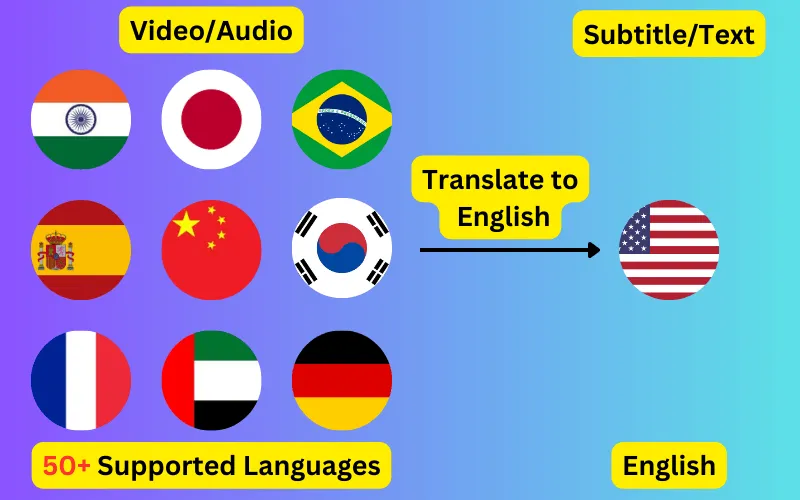
  • Translate audio/video into subtitles or text in any language.
  • 76 languages supported.
  • Add subtitles to your video or export them as SRT/VTT/plain text.
Trusted by 3000+ users.

Free: 3 files a day, up to 60 seconds each

Sign up for 5 a day

Mode:

Transcribe
Translate

Generate Chinese subtitles from any video or audio file. Speech is transcribed into Chinese characters with word-level timings, editable before you export it as SRT, VTT or plain text.

About Chinese transcription

Chinese (中文) is written in Chinese characters and spoken principally in mainland China, Taiwan, Singapore and Chinese-speaking communities worldwide. Subtitles generated here come back in that script, as ordinary written Chinese, ready to use in an SRT or VTT file.

Like Japanese, Chinese is written without spaces, so word boundaries are inferred during recognition. Mandarin is what is transcribed; Cantonese is a separate option and choosing the wrong one produces fluent-looking output that does not match the audio.


What a Chinese subtitle file looks like

Four lines as they come out of the exported SRT, in Chinese characters with the timings taken from the speech itself.

1
00:00:01,000 --> 00:00:03,240
大家早上好。

2
00:00:03,600 --> 00:00:06,120
你们能听清楚我说话吗?

3
00:00:06,480 --> 00:00:09,300
请把你们的问题写在下面。

4
00:00:09,700 --> 00:00:12,040
下次见。
EnglishChinese subtitle
Good morning, everyone.大家早上好。
Can you hear me clearly?你们能听清楚我说话吗?
Please write your questions below.请把你们的问题写在下面。
See you next time.下次见。

Where Chinese words begin and end

Chinese is written without spaces between words, so segmentation is part of recognition rather than a tidy-up afterwards. This is why word-level timings matter more here than in a space-separated language — the boundaries are inferred, not read off the page.

Subtitle lines are worth spot-checking at their start and end, which is where those decisions land.

Tone and recording quality in Chinese

Chinese uses pitch to distinguish words that are otherwise the same, so recognition leans on tone as well as on the sounds. Background music costs more accuracy here than it would elsewhere, because it competes with exactly that cue.

Where tone is misheard the result is a real word rather than obvious nonsense, so errors read as plausible and are worth a deliberate check.

What people caption in Chinese

The Chinese material that comes through most often is lectures and courses, business content, vlogs and news. All of it works the same way — upload the file, check the transcript, export the subtitle track.

Getting a better Chinese transcript

  • Set the language to Chinese rather than leaving detection on, particularly for clips under a minute where there is little audio to judge from.
  • Upload the highest-quality audio you have; compression artefacts cost more accuracy than most people expect.
  • Check proper nouns, place names and numbers first — recognition errors concentrate there.
  • Read the transcript before exporting. Chinese subtitles are editable up until you download them.

Chinese subtitles in another language

The same Chinese audio can produce subtitles in any of the 76 supported languages instead of in Chinese itself. English is the most common target, but every pair works, and the translated file keeps the original timings so it drops onto the same video unchanged.

ByteDance logoBerkley university logoUniversity of Illinois logoAljazeera logo
Transcribe 76 languages to Subtitles or Plain Text

Transcribe

Transcribe Your Video/Audio Automatically, then add the subtitles to your video or export them as SRT/VTT/text.

76 Languages supported (See List)

Translate

Translate Video/Audio into Subtitles in Any Supported Language, Automatically. Burn them into the video or download them as SRT/VTT/text.

76 Supported Languages (See List)

Translate 76 languages to Subtitles or Plain Text

Supports Noisy Audio

Translate or transcribe audios recorded in a noisy environment with great accuracy.

Multilingual audio

Have video where multiple speak different languages? No problem!

Support for Diverse Accents

Different people from different places speak the same language differently, our AI can work through it seamlessly.

Common questions

How accurate are automatic Chinese subtitles?

Accuracy depends mostly on the recording. Clear Chinese speech with little background noise transcribes well enough to publish after a read-through; heavy noise, crosstalk and strong regional accents all reduce it. The transcript is editable before export for exactly that reason.

Can I get English subtitles for a Chinese video?

Yes — that is translation rather than transcription. Choose Chinese as the spoken language and English as the target, and you get an English subtitle file that keeps the original timings.

What file formats do Chinese subtitles come in?

SRT and VTT for timed subtitle tracks, and TXT for a plain transcript with no timecodes. All three come from the same job.

Do I need to type any Chinese myself?

No. The transcript is generated from the audio in Chinese characters. You only need to type if you decide to correct something in the editor before exporting.